 Kestrel
November 4, 2026 · Kai Tanaka
How we made 4K playback instant without proxies
A look inside Kestrel 3's playback engine, and why we stopped building proxies altogether.
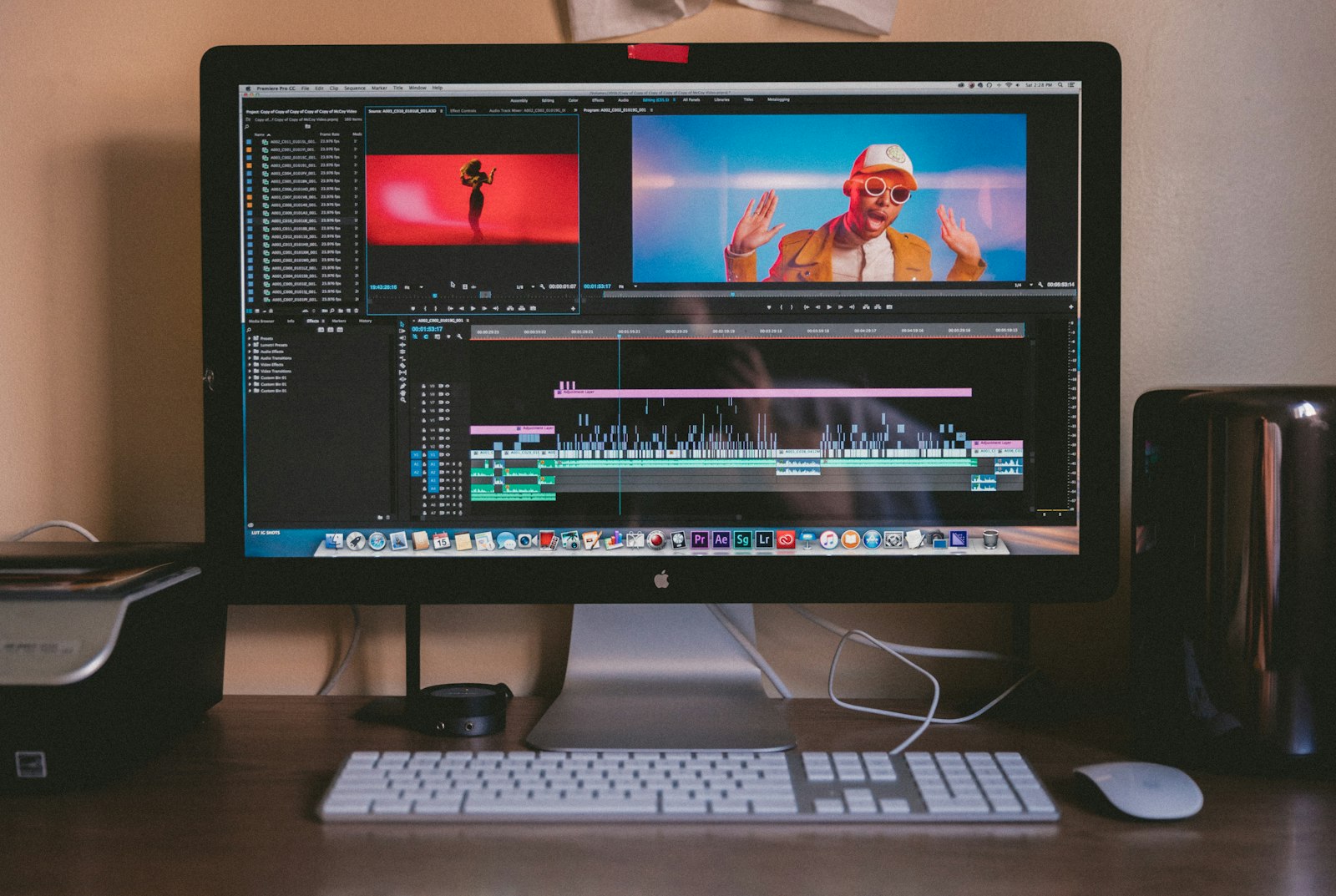
For most of video editing's history, the answer to "my footage is too heavy" has been the same: make a lighter copy. Proxies work, but they cost time, disk space and attention. With Kestrel 3 we set ourselves a simple rule — never ask anyone to build one.
Decode on the GPU, not the CPU
Every Mac with Apple silicon has dedicated media engines for H.264, HEVC and ProRes. Most editors use them for export. We use them for everything: scrubbing, playback, thumbnails and waveforms all come from the same hardware path.
The result is that a 4K HEVC 10-bit file plays at full resolution with the CPU mostly idle, leaving room for effects, captions and the interface itself.
Only decode what's on screen
The timeline doesn't need every frame of every clip. Kestrel keeps a small window of decoded frames around the playhead and throws the rest away. When you jump, it seeks to the nearest keyframe and decodes forward — usually in under 30 milliseconds.
The fastest frame is the one you never decode.
What it means day to day
- Projects open in under a second, regardless of length
- Scrubbing stays at 60 fps with two dozen tracks
- There's no "optimise media" step, ever
We'll go deeper on colour management and audio sync in a future post. In the meantime, the changelog has every improvement since 3.0.